
Help
KoalAR is an app to teach children about local fauna through interactive AR technology and engaging quizzes. To begin, you'll need to set up your first class in this online teachers' portal, then add your students. Once set up, your students will be able to access the mobile app and start learning!
Creating a class
In the 'Manage Classes' page, you will see a list of classes you've created, each with its own group of students and assigned lesson plans.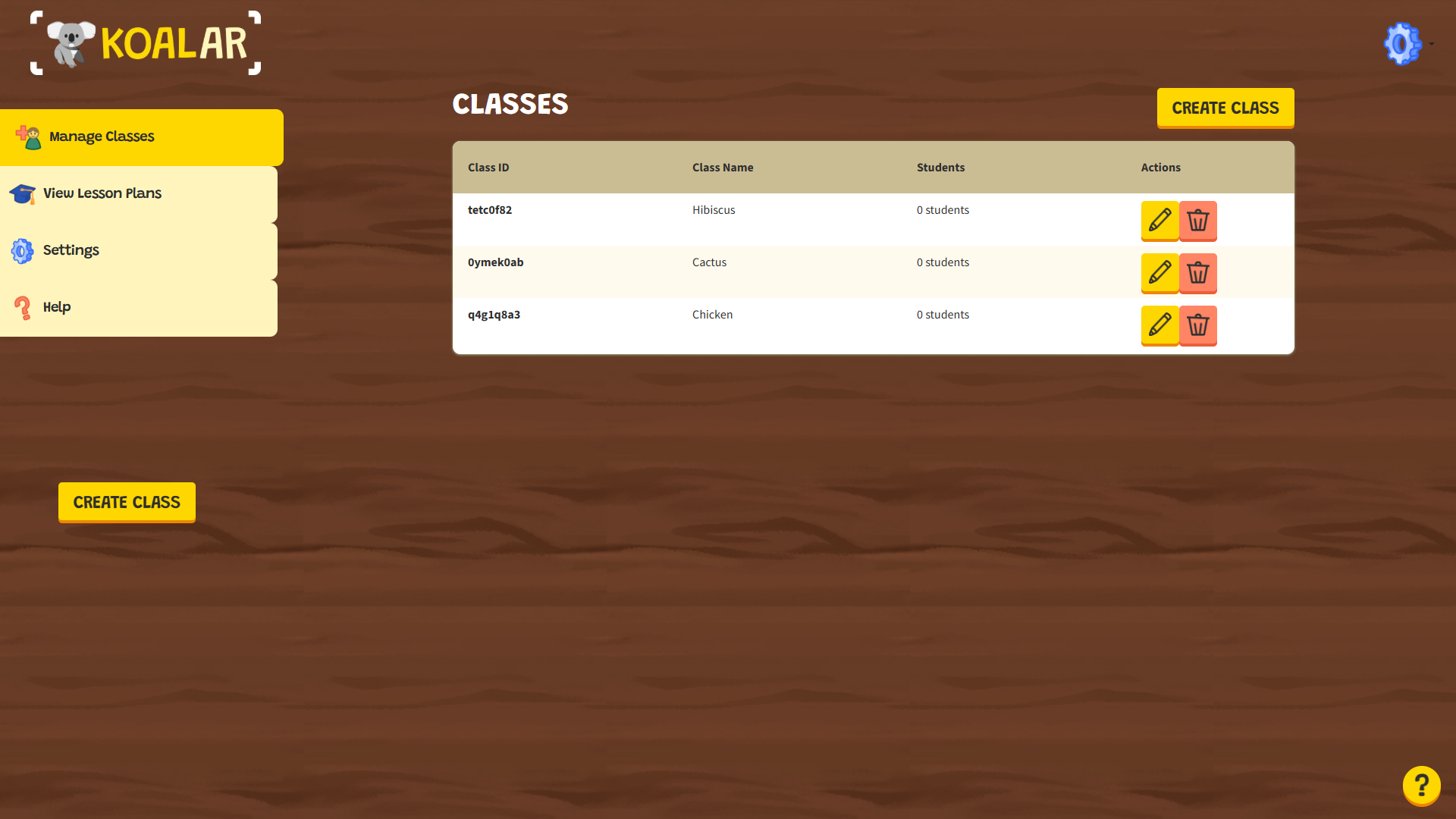
- Head to 'Manage Classes' to start creating your first class.
- Click 'Create Class' in the dashboard area or from the sidebar.
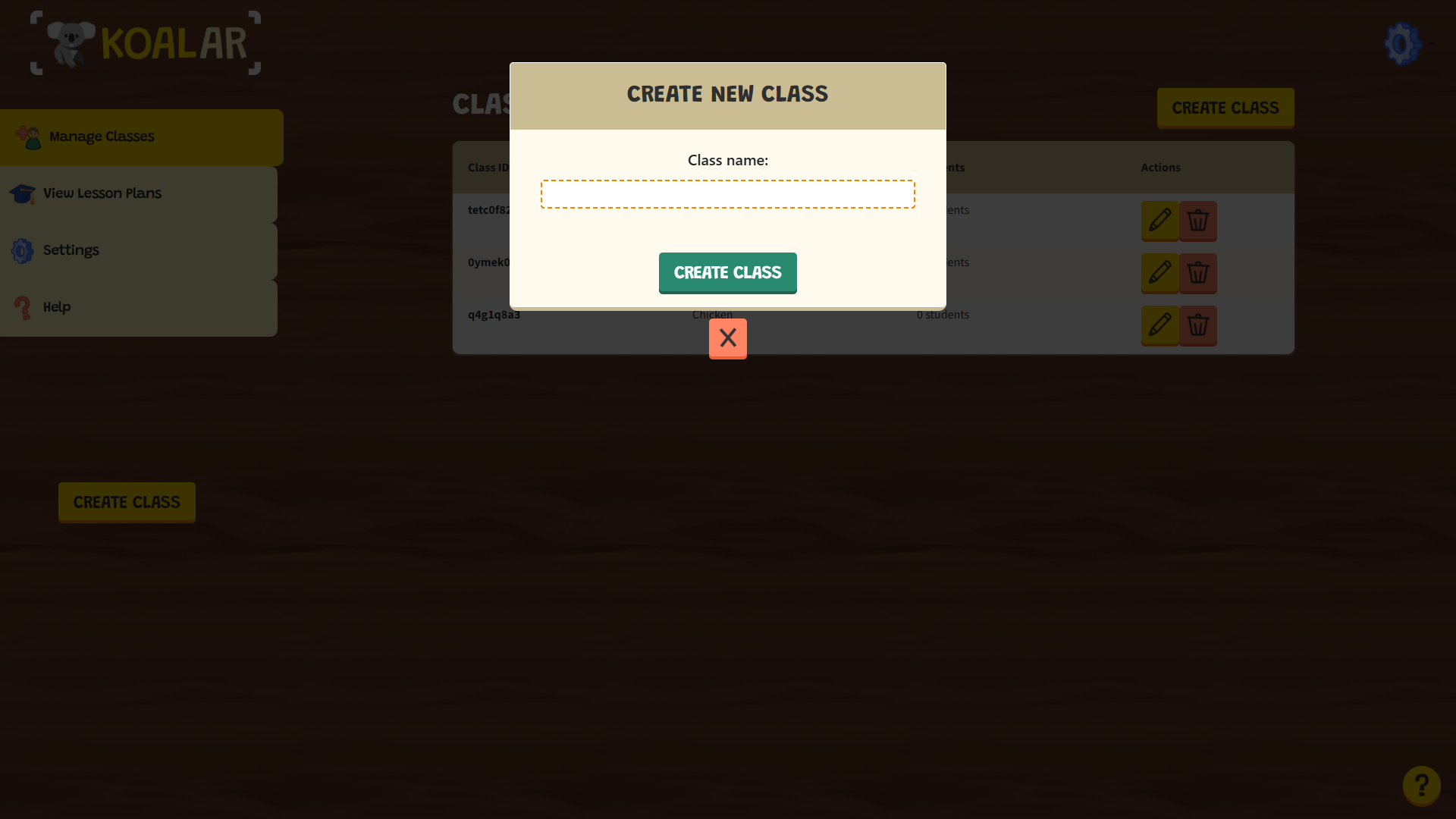
- Enter the class' name.
- Hit 'Create Class' when done.
Adding students
Every class needs its students! In the class summary page, you will be able to add or remove students and see summaries about their progress.
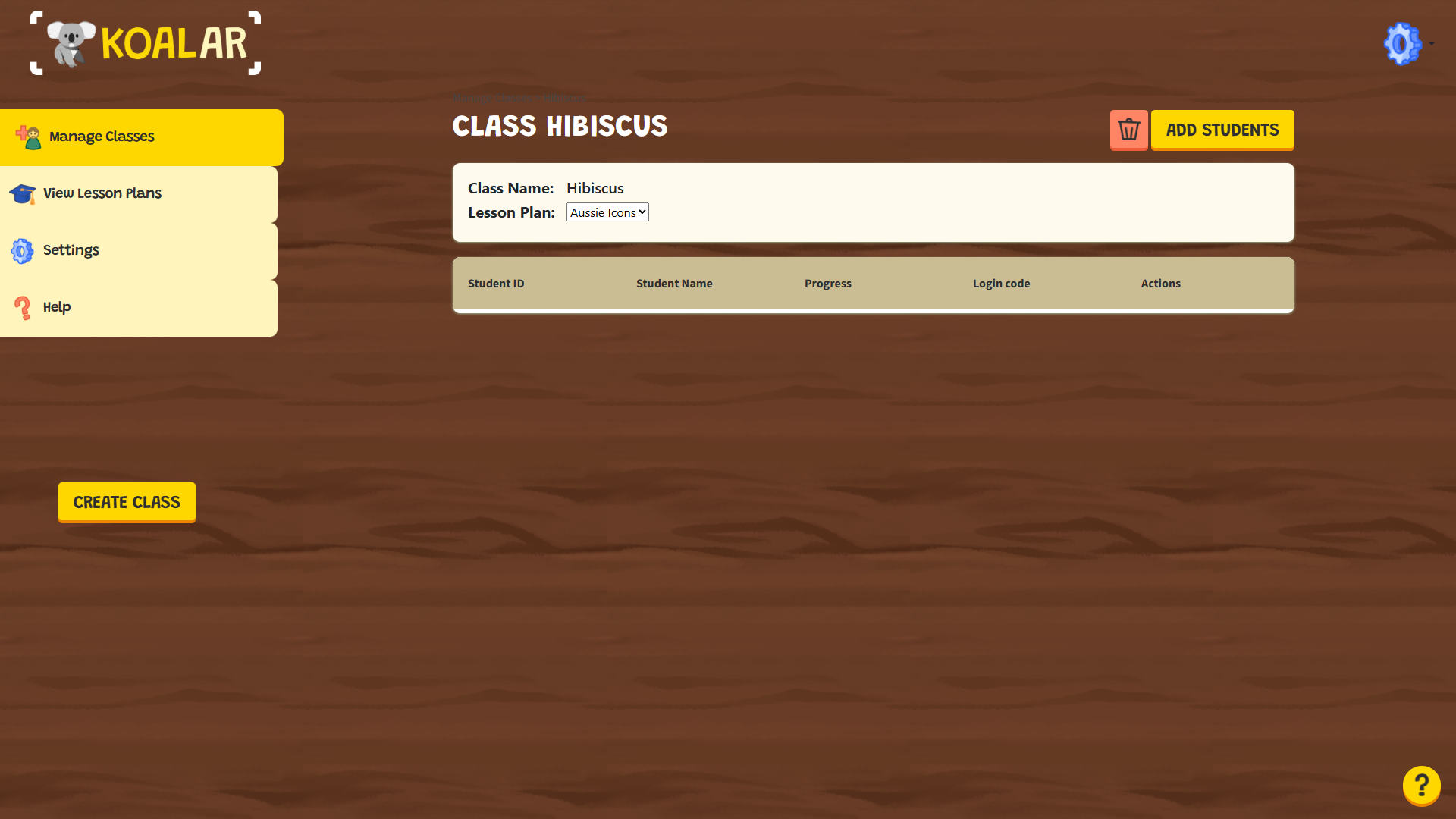
- Click into the class you'd like to add students to.
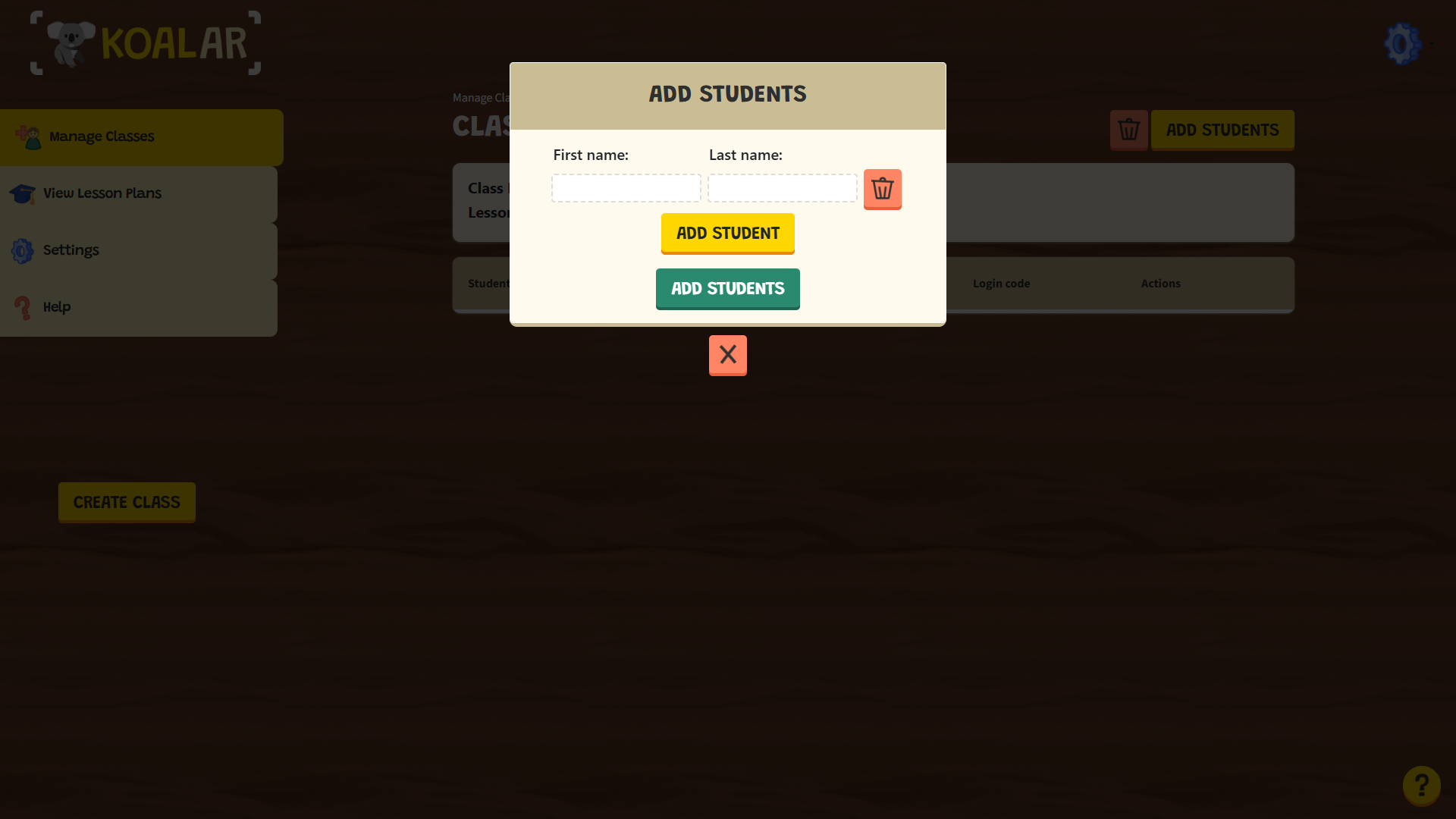
- Click 'Add Student'.
- Fill in the student's first and last name.
- Hit 'Save' when done.
- Copy and send your students their unique login authentication code to use in the KoalAR mobile app.
Monitoring student progress
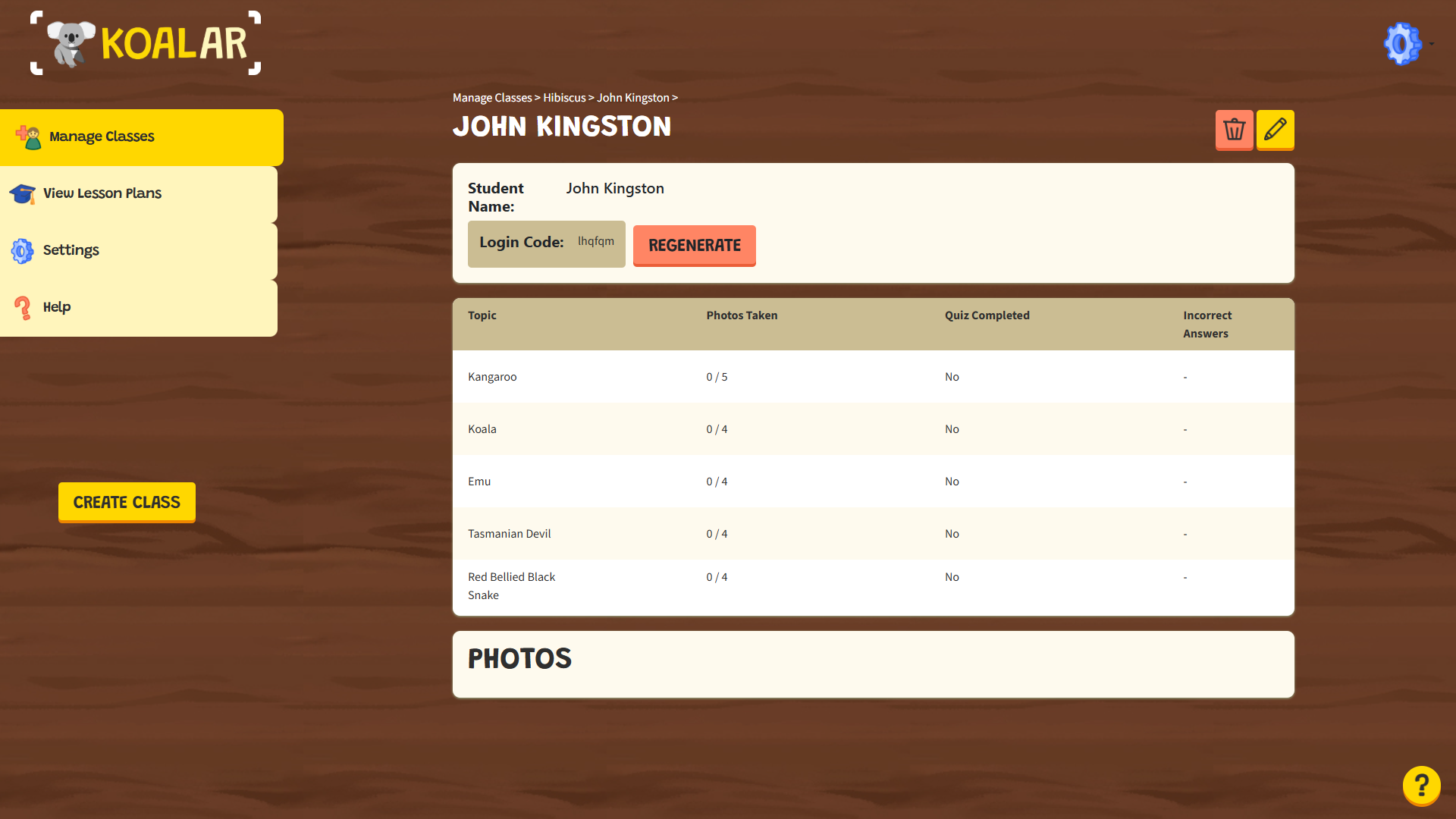
To view summaries of your students' progress, check the class summary page. To check each student's individual progress, click into that student to view how they did!
Troubleshooting Common Problems
My students are unable to log in with their authentication codes.
Please ensure that you are using the authentication codes from your class, and that the devices aren't linked. If you need, you can 'unlink device' on the student page, or regenerate the login codes as needed. In addition, we've found that some schools have firewalls in place which may impact your students ability to authenticate. If this is the case, you might need to log in on the target devices using your DET email address to allow internet connection, or use a non DET wifi network (like hotspotting on your phone).Student devices are having location jitter
Some devices have worse quality GPS signals than others. In order to get the best possible performance please do the following:- Ensure your devices are connected to the internet, and that the internet connection is stable.
- Have your students in an open area as free of obstructions as possible (e.g. a school oval).
- If possible, use devices with SIM cards capable of connecting to mobile networks, to boost location signals.
More
Need more help? Reach out to us!